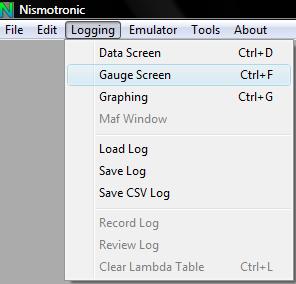
Open the "Gauge Window" by going to Logging -> Gauges or CTRL+F
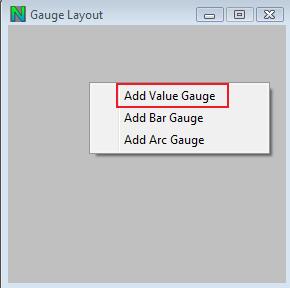
Right Click to Add a gauge type.
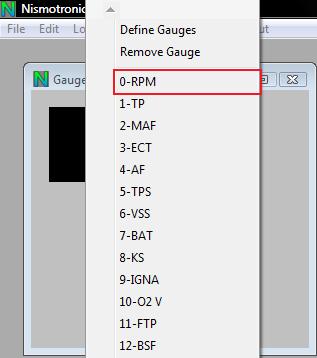
Right Click on the gauge and select the Item you would like to be displayed, for example RPM.
To change the Gauge parameters Right Click on the gauge and select "Define Gauge" and it will bring up this window.
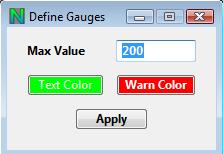
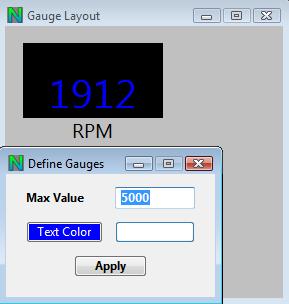
Each gauge can have it's own color and max value so you can the gauges can be setup as you would like.
You can also Click on the gauge and drag it to any position you would like.
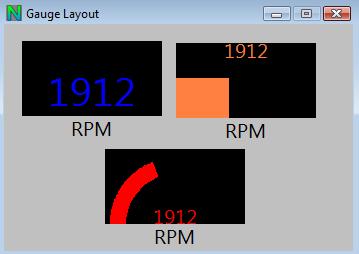
Here is an example which shows the Value, Bar, and Arc gauges together.